Fun Ways to Enhance Your Equack Website
Fun Ways to Enhance Your Equack Website

Deepa Katuri
Director of Events
Featured
Fun Ways to Enhance Your Equack Website
Fun Ways to Enhance Your Equack Website
Fun Ways to Enhance Your Equack Website
Fun Ways to Enhance Your Equack Website
Fun Ways to Enhance Your Equack Website
Fun Ways to Enhance Your Equack Website
Fun Ways to Enhance Your Equack Website
You might also like
Fun Ways to Enhance Your Equack Website
Fun Ways to Enhance Your Equack Website
Deepa Katuri
Director of Events
Featured
Fun Ways to Enhance Your Equack Website
Fun Ways to Enhance Your Equack Website
Fun Ways to Enhance Your Equack Website
Fun Ways to Enhance Your Equack Website
Fun Ways to Enhance Your Equack Website
Fun Ways to Enhance Your Equack Website
Fun Ways to Enhance Your Equack Website
You might also like
Fun Ways to Enhance Your Equack Website
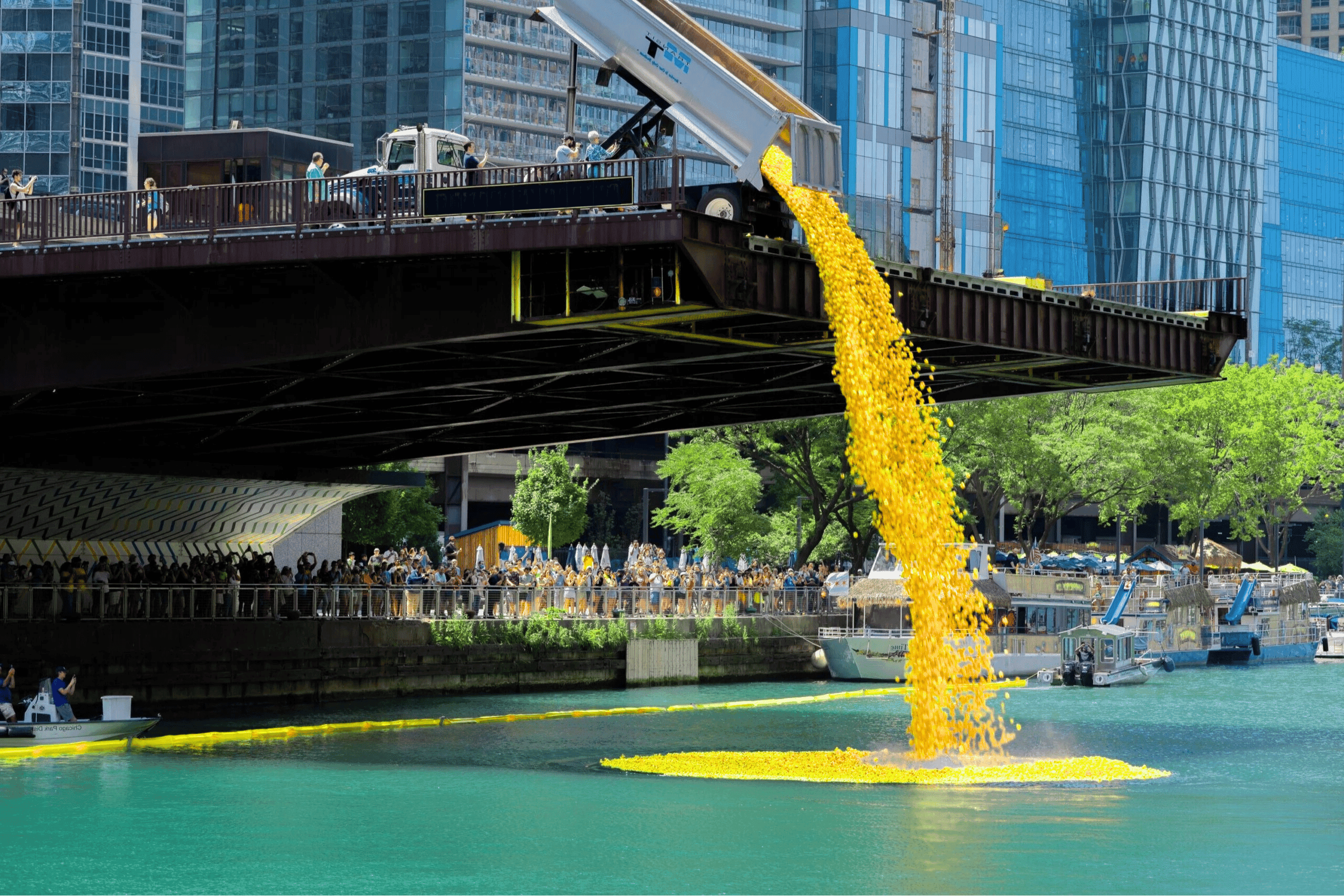
Dual weekend duck races featuring 11th Annual KID Duck Fest Derby in Fort Lauderdale and 10th Annual Texas City ISD Youthfest & Duck Derby. Combined 35,000 ducks supporting child abuse prevention and educational excellence with significant prize packages.
The Derby
Duck Team
Featured
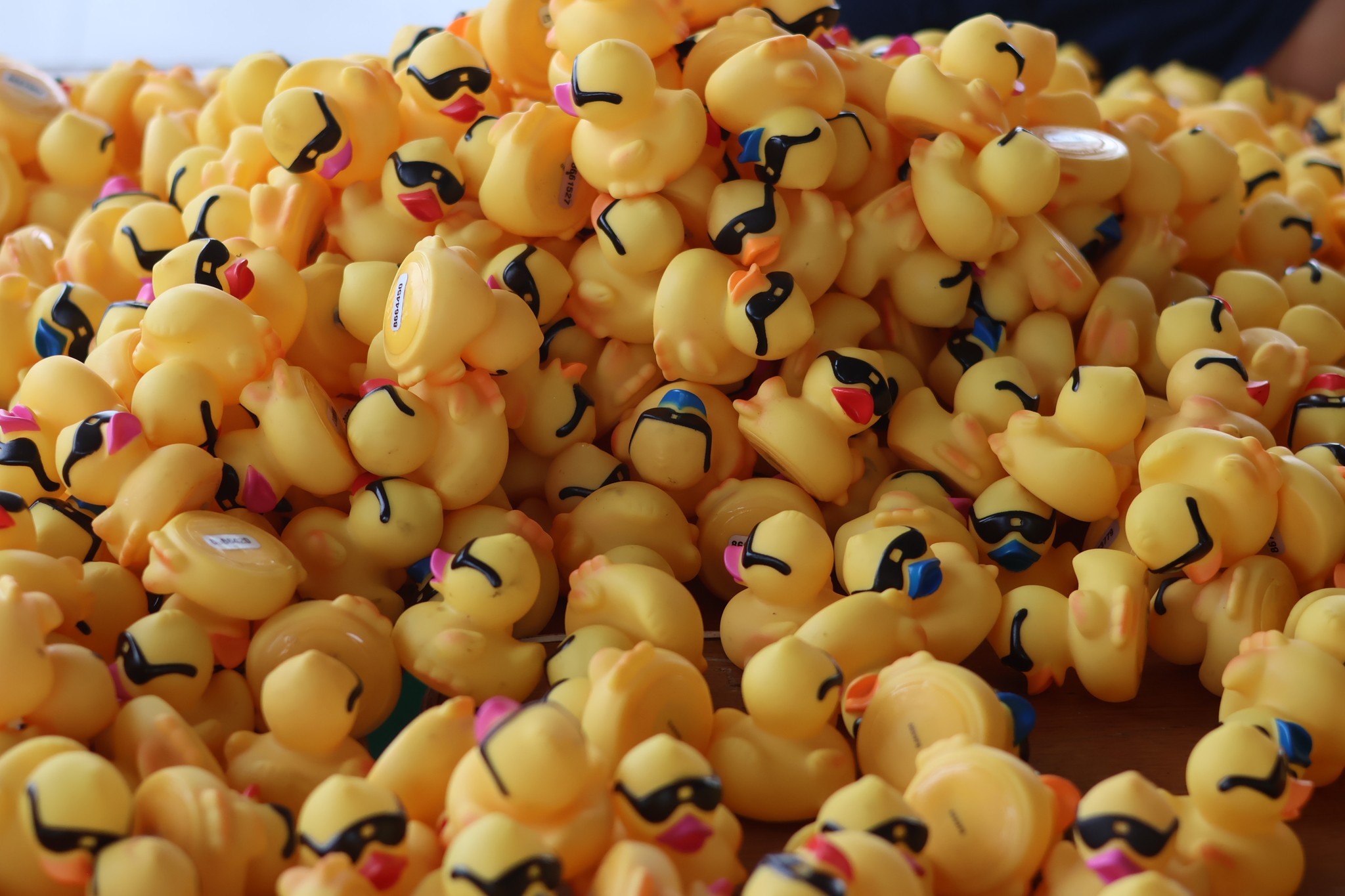
Duck season is starting to come to a close and the holidays are right around the corner. If you find yourself with some free time, now is the perfect time to start updating your Equack website before next year.
Keep reading to discover some fun ways you can enhance your Equack website! Add a Countdown Timer Go to https://www.tickcounter.com/ and personalize your own countdown timer for your Derby Duck Fundraising event. You can customize the font style, text color and background color. Once you create the timer, copy the embed code from the website. Be sure you are logged in to your Equack website.
Go to Race Manager > Home Page Blocks > Add a New Home Page Block. Change the block type to raw html and name it. Then click add. From there you can paste the html from the website into the content field. Click update. Add an Instagram Feed Box Go to your Instagram account on your desktop computer. Click the 3 dots at the upper right-hand corner. Click "embed". Click "copy embed code".
Go to your Equack website. Go to Race Manager > Home Page Blocks > Add a New Home Page Block. Change the block type to raw html and name it. Then click add. From there paste the code you copied into the content field. Click update. Link an Image to Another Page Use a website such as Canva to create a custom image and upload the image to your Equack website.
Go to Race Manager > Home Page Blocks > Add a New Home Page Block. Change the block type to image/photo and name it. Then click add. Upload the image from your computer and put the URL to the page in the link field. Click update. Add a Video Gallery Go to Race Manager > Home Page Blocks > Add a New Home Page Block. Change the block type to video gallery and name it.
From there you can copy and paste up to 3 video URLs from YouTube. You also have the option to change the header text color and the video gallery
background color. Add a Custom Prize Image Use a website such as Canva to create a custom prize image and upload the image to your Equack website. Go to Race Manager > Home Page Blocks > Add a New Home Page Block. Change the block type to image/photo and name it. Then click add. Upload the image from your computer and click update.

Contact Us
Get In Touch
Whether you’re curious or ready to dive in, our team is always here to answer questions and help you make a splash in your community.